Ideas

crinrict's avatar
1 year ago
Status:
Under Investigation

Load Error Code 800/801

Issue

When trying into a lot, you are greeted by load error 800/801. Buildings start to disappear and you also get endless loading.

Similar issues

Please check out this thread for similar issues if you don't get an error code: [PLEASE READ] Save Game Corruption | EA Forums - 5037272 

Solution

There have been a few solution suggestions in this post: Save Game Corruption (Disappearing Lots/Error 800 or 801) | EA Forums - 5037272 

89 Comments

  • marze77fin's avatar
    marze77fin
    Seasoned Newcomer
    1 month ago

    I have very interesting bug in my game. It happened before and after update. Game's own created lots are missing. It happened first in Ravenwood. One of my sim was in decorator career and went to customers place. I didn't have any cc in that save. I did have a few mods, but they were okay.

    After update in other save got several times error code 801. That I fixed with repairing game.

    I know several people, who doesn't have any cc and mods in their game and they have this totally empty lots issue in their game too!

    Love this game, when it works perfectly. Love this game, when it not.


  • kityyla's avatar
    kityyla
    Seasoned Novice
    15 days ago

    It seems that one of my saves is corrupted, but only Willow Creek is affected. I only noticed it on 2nd of February, but I think it happend a while ago. I have a version of this save file from July 2025, which works fine.

    I had 3 residential rental lots in Willow Creek: Daisy Hovel, Garden Essence and Bargain Bend.
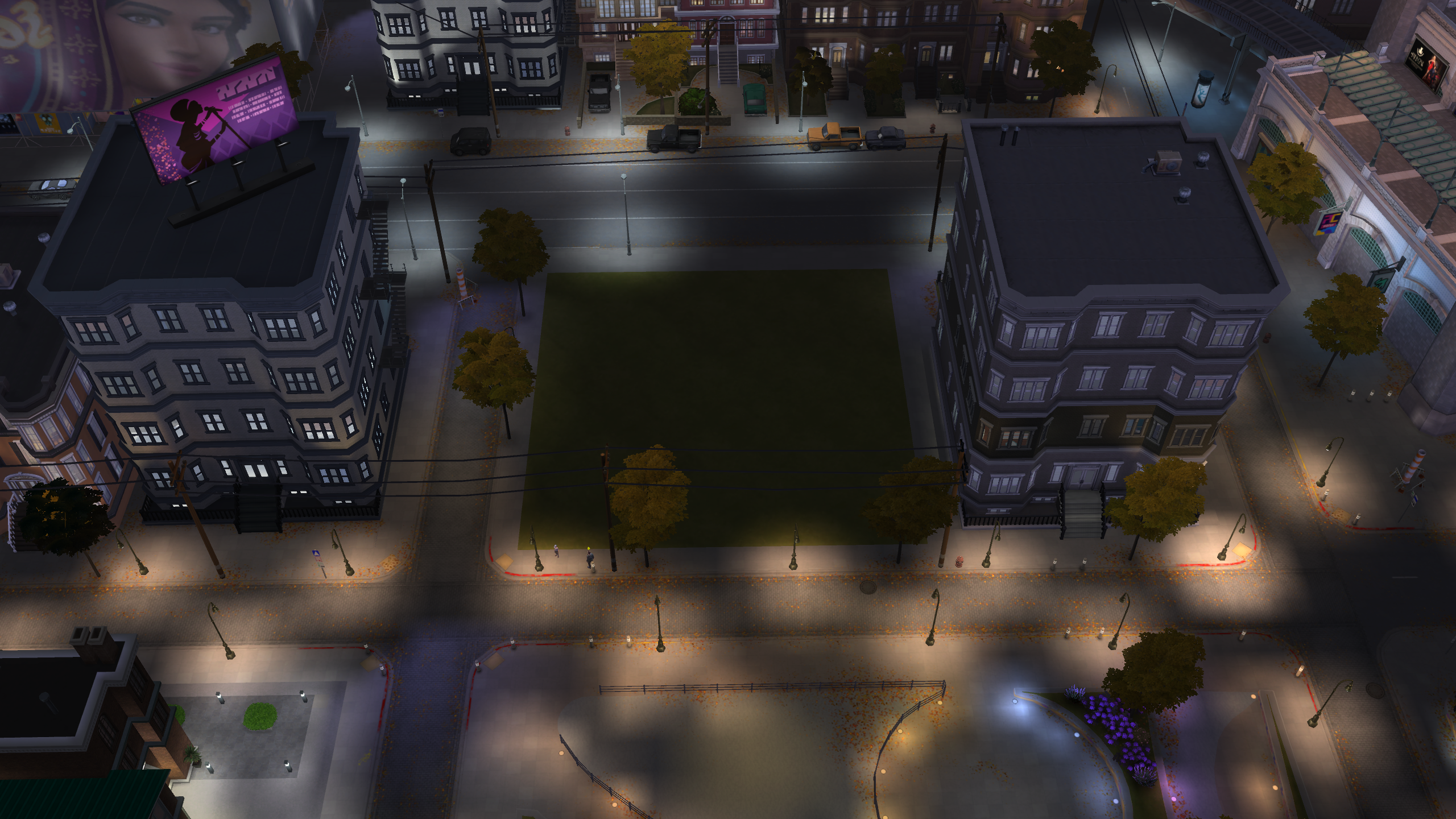
    When I tried to load to build mode in one of the lots in this neighboorhoods, through manage worlds, the lot was empty in build mode and the lots around showed the default builds. But, when going back to manage worlds, there still was the preview of the lots I placed.

    In live mode it wasn't possible to travel to or move to Willow Creek at all. Either I got the error code 800 or I was stuck in an endless loading screen.

    I have following mods installed: 

    -McCmdCenter_AllModules_2026_1_1
    - MCWoohoo_ScriptAndPackage_2026_1_1
    - TwistedMexi's Better BuildBuy v4.3
    - TwistedMexi's TOOL v3.1
    - UI_Cheats_Extension_v1.52
    - [ellcrze] simple cas room
    - More_CAS_Columns_(4_Columns)
    - Tmex-AlwaysFullEditMode
    - Tmex-AlwaysTesting
    - TURBODRIVER_FixSocialBunnySimulationLag

    I would provide my save file if necessary.

  • hayynyee's avatar
    hayynyee
    Rising Novice
    14 days ago

    I have been playing the Sims 4 since it came out. Recently I kept getting error 801 and so i have tried:

    Repairing the game

    Reinstall EA app

    create new sims 4 folder

    delete corrupted save files

    uninstalled for rent expansion (played the longest without error here)

    The lots keep reducing in value when i go to travel, move a household etc. 

    Now I am looking to attach my save files and I dont see any files in the save folder. 

    I have spent SO MUCH money and time on this game and now it's unplayable. Help!

  • kityyla's avatar
    kityyla
    Seasoned Novice
    14 days ago

    I am trying to recreate my save file at the moment. And now I am at a point, where everytime I place a lot from the gallery, right afterwards the Willow Creek neighborhood Foundry Cove (where I have 3 Residential Rental lots) is getting the bug where the default builds are showing on the inactive lots, even though there are other lots placed already.

  • ispeaksimlish6's avatar
    ispeaksimlish6
    Seasoned Observer
    13 days ago

    What you have to do is completely wipe the game from your computer and redownload it. Everything should go, even saves that are "safe". Make sure you save your current lots / sims and upload them to the gallery. When you redownload the game and start a new save, just bring your lots and sims from the gallery back in and rebuild that way. The corruption is somewhere attached completely to the game, not just the save file. This was the only way it worked for me. I uploaded it to the gallery because even tray files didn't seem to be safe since it would just come back after i did it the tray file way. Don't bother with any rental lots since thats perhaps where this derived from (from what I've gathered over the past year...) You'll have to leave them behind unfortunately. 

  • Hello, 

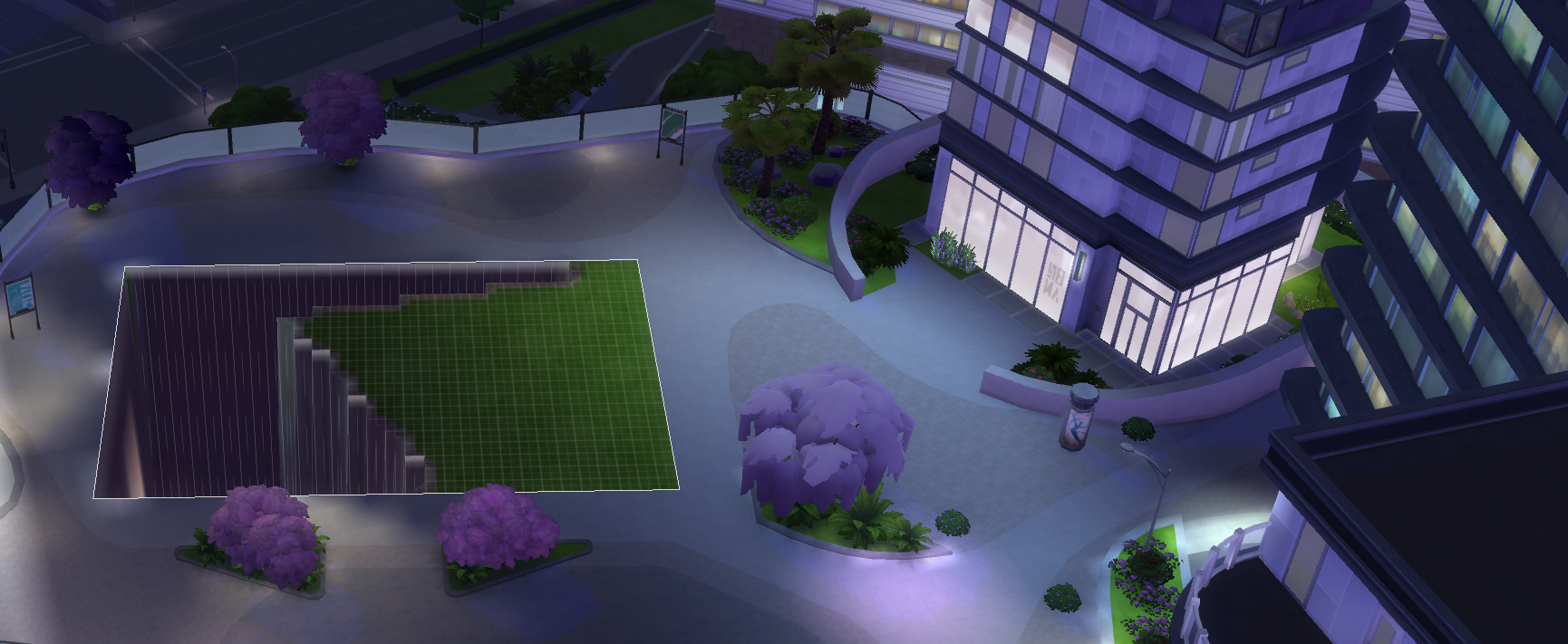
    Following the update, my game has been experiencing a lot of issues. So I’ve been receiving error code 801 and the message: “The game failed to load. We recommend that you relaunch the game. “ this happens when trying to travel. If the travel is successful, the lots are deleting themselves. (Photo for reference). I’ve tried repairing the game multiple times but it didn’t help. I’ve also tried recovering my save file in the event it was corrupted but this still occurred. If I replace the lot that was deleted, it’s non functional and the sims just linger outside. Anyone having the same issue or have a fix for me? (I do not have any mods or CC)

  • hayynyee's avatar
    hayynyee
    Rising Novice
    6 days ago

    Having the same issue. Its so annoying. Just sent my files along to ea

Featured Places

Node avatar for The Sims 4 Bug Reports

The Sims 4 Bug Reports

Report bugs for The Sims 4 on PC, Mac, Playstation, and Xbox.Latest Activity: 5 months ago
5,019 Posts